I’m beautiful and tough like a diamond…or beef jerky in a ball gown.

  • 254 Posts
  • 1.22K Comments
Joined 10 months ago
cake
Cake day: July 15th, 2025

help-circle


  • You did it the installs yourself or through contractors?

    Fully DIY unless I reach a point where I think I’ve bitten off more than I can chew. I haven’t started moving circuits from the main panel yet, but I’m confident I can do that and meet code. I may call in an electrician when it comes time to convert the old main panel into just a main breaker and wire its output to the PV inverters, but that’s mostly just to make sure that part is safe and up to code.

    How many years do you reckon it takes for that scale of solar to pay for itself

    Not fully sure. I’ve got about $7,000 invested so far just in components and materials plus probably another $1,000 or so on the horizon for another 4 panels, wiring, and other accessories. The two 16 KWh batteries are the largest expense ($2600/each) since grid-tie isn’t an option for me. Electric rate is currently $0.26/KWh and rising, so this is mostly a way to insulate myself from further rate increases as well as provide backup power (I re-allocated the money I was saving for a whole house generator to the batteries for this).

    Very, very rough math estimates at current rates, break even is just over 8.4 years. That’s $8,000 cost divided by $0.26/KWh divided by 10 KWh per day (5 hours @ 2 KW) divided by 365 days in a year. That break even time could be reduced by adding more panels (already planning to) and/or electric rates rising more (they sure aren’t going down anytime soon/ever).


  • My utility power isn’t on the chopping block (yet?) but skyrocketing rates have finally pushed me to install a real PV system.

    Currently sitting on 2.4 KW of PV and 32 KWh of battery storage. Still in the process of installing as the specific mounts I need have been out of stock, but should have those hopefully by June and can finally begin the install in earnest. Once I have the mounts, I’m going to get a few more panels and will have about 3.5 KW of PV on the roof. Would like to do more, but that’s all the south-facing roof real estate I have to work with. Planning on a ground mount setup for another 3 KW or so but need to get the base system going first.

    I’m tempted to go ahead and buy some more battery capacity because I have a sinking feeling the demand (and price/availability) for those is going to increase dramatically in the next few years.


  • Thanks, and yeah, it’s been fun putting that all together. Unfortunately I’m still learning FreeCAD so they’re not as integrated as I’d like yet, but as soon as I have time to hammer out a design, I hope to have all 3 of these and the UPS/power supply in a nice case.

    Yep, running/charging it from solar is why I ended up getting that chonky 18650-based UPS board. It’s the only one I could find that could combine 5V input and battery without dropping out (battery kicks in immediately if solar insufficient and draws the difference between input and output and charges and powers simultaneously otherwise).


  • Thanks!

    What are the use cases for taking it with you instead of just connecting to your homelab?

    I built it just to see how much I could cram onto a Pi Zero clone/how many self-hosted services I could have on something I can fit on my keychain, and the answer was “a lot”. It’s something of a travel server, travel router, emergency backup server, etc.

    I mainly just wanted a subset of my homelab services available in something I could take with me anywhere. Home lab could go down while away, power could go out, something to use while glamping, can take it with me if there’s ever an emergency where I have to evacuate, etc.

    What started out as a single unit has become a three unit portable stack lol. Yay feature creep!

    Services

    • Jellyfin (all content pre-transcoded so everything can direct stream)
    • CodeServer (setup for Python, NodeJS/Bun + React, and Platform.IO for ESP8266/ESP32 development)
    • Kiwix (including the full Wikipedia dump with images as well as offline docs for lots of code libraries I work with, etc)
    • SearxNG so I always have a sane search engine available
    • CalibreWeb with my whole ebook library
    • MPD+Snapcast+My whole music library. Also has myMPD web UI for controlling MPD. Snapcast clients can connect, and it can serve multi-speaker/multi-room audio
    • PiHole serving both ad blocking and local DNS as well as providing DHCP for the access point
    • PairDrop for sending/receiving files
    • NodeRED and Mosquitto MQTT for setting up ad-hoc automations
    • Nginx with real LetsEncrypt certs so all services have valid SSL certs and hostnames

    Networking

    • One USB port is configured in ethernet gadget mode. Can plug it into a host PC and get an IP address from it
    • One wifi adapter is setup as an AP and is bridged with the USB ethernet (a PC plugged in and a wifi client are on the same L2 plane).
    • The second wifi is the “WAN” connection if one is available. Can alternatively connect to USB tethering on my phone
    • If there is any kind of “WAN” upstream, the LAN bridge (USB ethernet/Wifi) will route to it
    • Wireguard to connect back to my homelab.

    File Services

    • Samba
    • Encrypted LUKS volume for critical docs (tax records, vet records for the dogs, etc)

    I’ve got a second unit that connects as a client to the main one with some additional backup services:

    • Email stack( Dovecot, Postfix, SpamAssassin, ClamAV, Webmail)
    • Matrix/Synapse stack
    • Asterisk
    • Snapcast client

    The second one is basically a backup to my main stack in case of disaster/power outage/etc. Those all tunnel to a cloud VPS + load balancer and only need an internet connection to setup the tunnels to receive traffic from the VPS (and route back out to it). Those services are stopped and a cron task keeps them in sync with the main ones in my homelab. If I need to fail over, I just SSH into the VPS and re-route traffic to them instead of my homelab endpoints.

    I self-host my own email and chat and phone services, so those have become critical services I want to always have online. Essentially these little Pi clones are a backup stack for my most used services and one that is both extremely low power and portable should I ever need to host them on the go (house burns down, have to evacuate due to emergency, etc).

    Third Unit (Still on the bench)

    I have a third unit that’s built on a PiZero2W but it’s still on the workbench (but functional!). Just haven’t gotten any kind of case at all built for it.

    It’s got two RTL-SDR units attached. One is tuned to the NOAA weather radio station and feeds into Snapserver on the main unit (so you can listen to the weather radio anywhere on the network) as well as piped into Meshtastic EAS-SANE alerter in order to forward emergency alerts to Meshtastic. There’s a USB-connected Meshtastic node attached as well for that.

    The second RTL-SDR is setup as a generic FM radio tuned to the local variety station. It’s just piped to Snapserver on the main unit to make it available on the network.

    I may convert the second SDR into a ADS-B listener, but for now, I like having the FM radio available.

    Photo

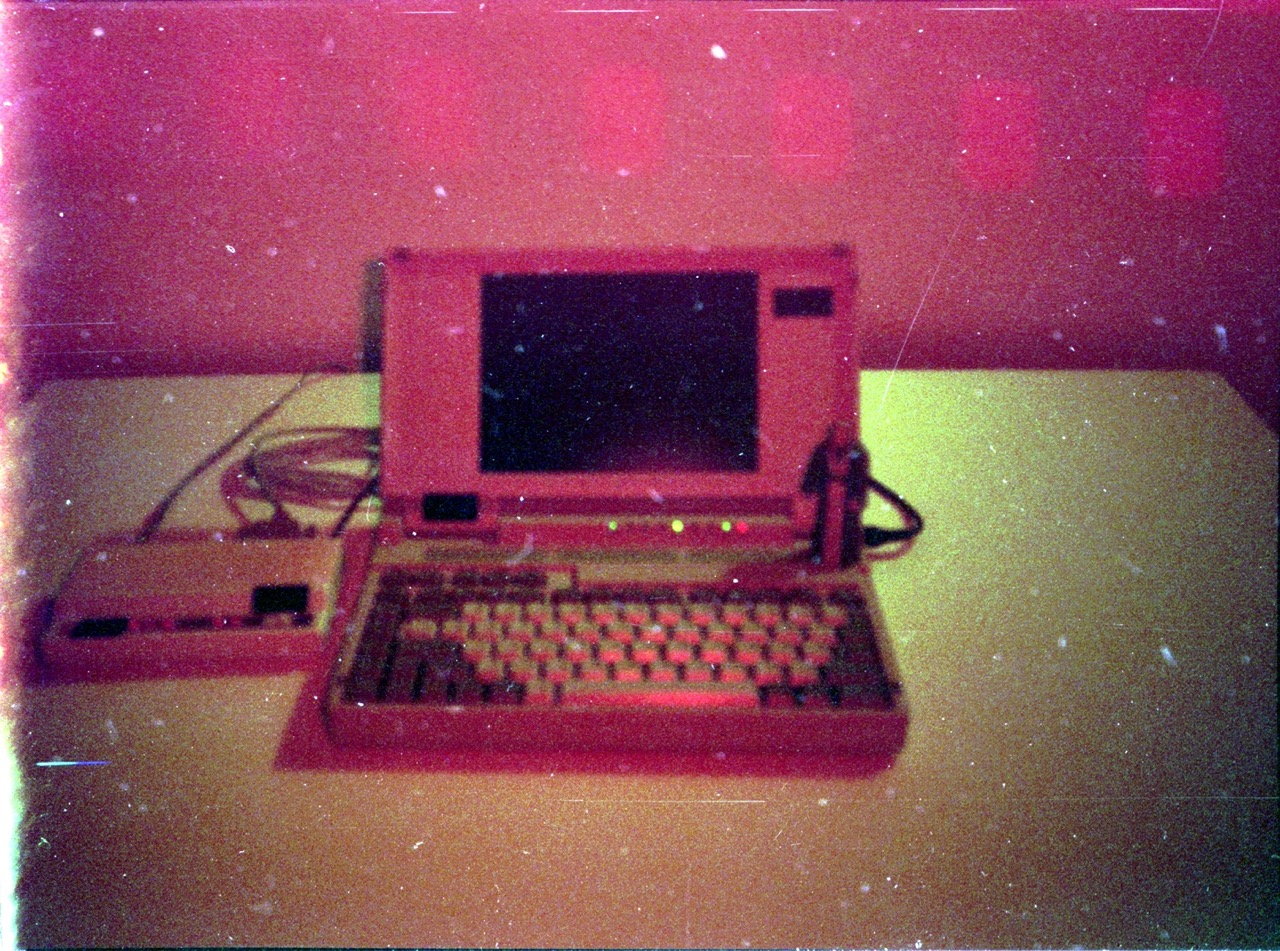
    I still don’t have a “full” case for it, but here is the core unit attached to a UPS circuit which gives it up to about 14 hours of runtime. I’m also planning to add a small USB hub with ethernet into that, but I’m still learning FreeCAD so I’m not quite ready to put it all together yet. The USB power cord is wrapped in aluminum foil and electrical tape due to RF from the Wifi adapter causing random glitches. I need to add some ferrite beads and route them away from that when I build it into an integrated case. For now it looks janky but works lol.

    Main Unit:

    Secondary Unit: This is an older photo and is also connected to my Bose radio acting as a Snapcast client to the server on the main unit.


  • I run Jellyfin on a Banana Pi M4 Zero. It’s a little less capable than the Pi4 but runs JF just fine. Specs on this one are quad core 1.5 GHz, 4 GB RAM, 32 GB eMMC on Armbian.

    The media files are all on the 1 TB SD card while the Jellyfin data directory (especially the SQLite DB) are on the eMMC. This seems to work much better as the DB file kept getting corrupted on SD. Should also help the SD card from wearing out since it’s pretty much only reading data from it most of the time.

    As you guessed, transcoding is not going to work (JF is removing the v4l2 hardware support anyway), so I pre-transcode them to H264 + yuv420p in an mp4 container before moving them to the SD card. I also scale them down to 720p to fit more on there, but that’s because this is a travel server and isn’t my main media source.

    Can’t speak for Paperless though.